# Refresh control
The platform's pull-to-refresh in the theme accent. Pass it as a list's refreshControl.
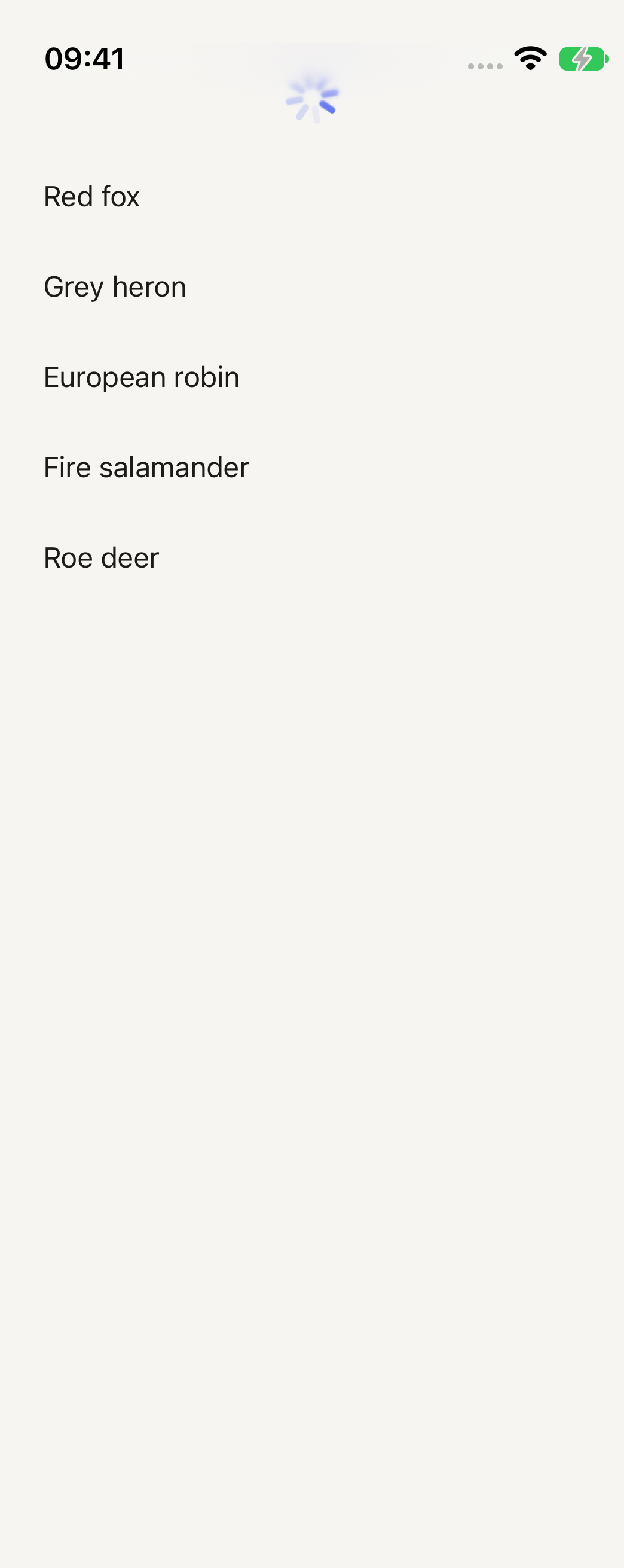
```tsx
import { RefreshControl, Text } from "@terratcg/ui";
import { useState } from "react";
import { ScrollView, View } from "react-native";
const PHOTOS = ["Red fox", "Grey heron", "European robin", "Fire salamander", "Roe deer"];
export default function RefreshControlList({ capture }: SceneProps) {
// The capture shows it mid-refresh.
const [refreshing, setRefreshing] = useState(capture);
const refresh = () => {
setRefreshing(true);
setTimeout(() => setRefreshing(false), 1200);
};
return (
}
>
{PHOTOS.map((name) => (
{name}
))}
);
}
```
## Import
```tsx
import { RefreshControl } from "@terratcg/ui";
```
## Usage
```tsx
}
/>
```
RefreshControl is React Native's `RefreshControl` with the theme accent set on it. Set `refreshing` to `true` when `onRefresh` starts the work, and back to `false` when it ends.
## Examples
The hero example above is the only one: the control has no variants.
## Props
RefreshControl takes React Native's `RefreshControlProps`, unchanged. TerraUI only sets `tintColor` (iOS) and `colors` (Android) to the theme accent. Every prop you pass wins over those, and reaches the native control.
- `refreshing` (`boolean`, required): whether the spinner shows.
- `onRefresh` (`() => void`): called when the user pulls past the threshold.
- `progressViewOffset` (`number`): moves the spinner down, for a list under a transparent header.
## Accessibility
- **Screen readers:** the platform's own control, with nothing added by TerraUI.
- **Not the only way:** pull to refresh is hard for some people to perform. Keep another way to retry, such as the Try again action of an error Notice.
## Platform differences
- **iOS:** the system spinner above the list, tinted with the accent.
- **Android:** the Material circle that drops from the top edge, drawn in the accent.
- **Web:** react-native-web draws no control, so the live tab shows the list without pull to refresh. The web is not a supported target.
## Rules
- Pass it as a list's `refreshControl`, never on its own.
- Clear `refreshing` when the work ends, failures included.
- Don't show a second Spinner while the control is refreshing.