# Shelf
A titled horizontal strip of pockets, such as recent items or favourites. Only a heading and spacing frame it, so the items stay the subject.
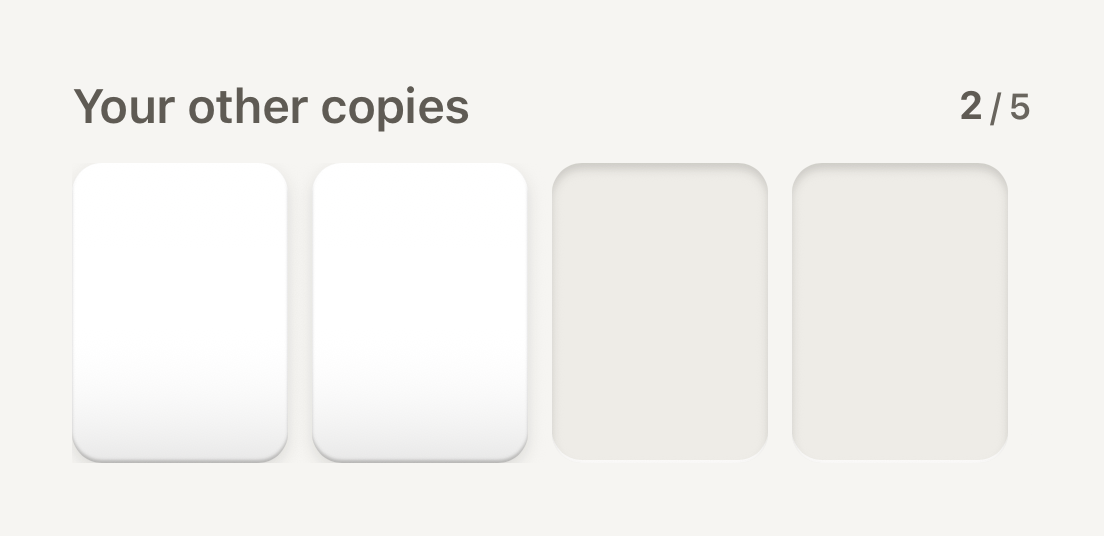
```tsx
import { Cell, Counter, Shelf } from "@terratcg/ui";
import { View } from "react-native";
export default function ShelfRecent() {
return (
}>
|
|
|
|
|
);
}
```
## Import
```tsx
import { Shelf } from "@terratcg/ui";
```
## Usage
```tsx
}>
{recent.map((card) => (
open(card)} accessibilityLabel={card.name} style={{ width: 72, height: 100 }}>
|
))}
```
The title is a secondary SectionHeader, with `trailing` at its end. The children sit in a horizontal ScrollView, spaced by the theme.
## Examples
### Without a title, bleeding to the edge
Without title there is no header row; inset pads the strip and bleeds it by the same amount, so items scroll to the edge of the screen.
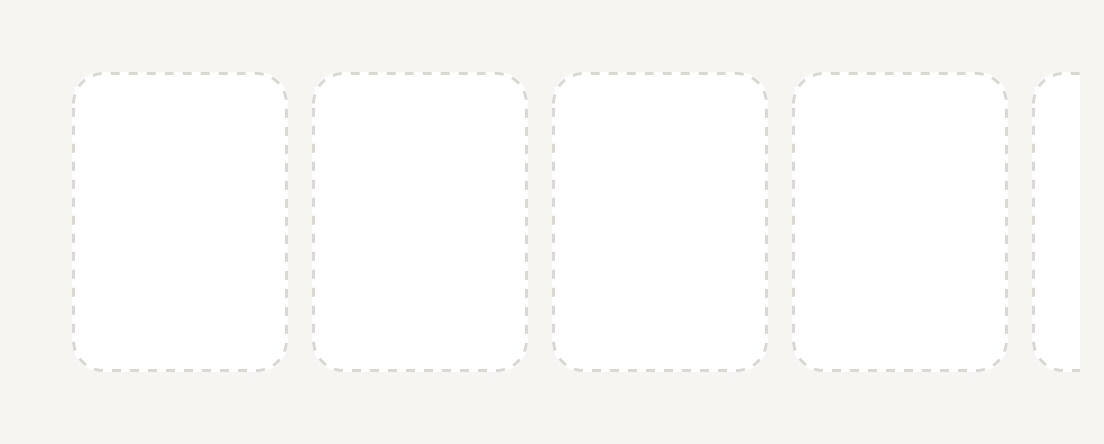
```tsx
import { Cell, Shelf } from "@terratcg/ui";
import { View } from "react-native";
export default function ShelfUntitled() {
return (
|
|
|
|
|
);
}
```
## Props
### ShelfProps
| Prop | Type | Description |
| ----------- | ----------- | ---------------------------------------------------------------------------------------------------------------- |
| `title?` | `string` | Heading above the strip. |
| `trailing?` | `ReactNode` | Trailing header content, typically a Counter. Shown only with a `title`. |
| `inset?` | `number` | Horizontal inset of the strip; the strip bleeds by the same amount so items can scroll to the edge. Default: `0` |
| `children?` | `ReactNode` | |
Shelf also accepts React Native's `View` props. A `testID` also names the strip, as `-strip`.
## Accessibility
- **Heading:** the title is announced as a header, so screen reader users can jump between shelves.
- **Strip:** the items are read in order; give each its own label, as a pressable Cell needs.
- **Scrolling:** the strip scrolls with the platform's own horizontal scrolling, without a scroll indicator. Leave part of the next item visible so it reads as scrollable.
## Platform differences
- **iOS and Android:** the same strip, scrolling natively on each platform.
- **Web:** Shelf renders through react-native-web for these docs, but the web is not a supported target.
## Rules
- Give the shelf a `title`: `trailing` shows only beside one.
- Set `inset` to your page's horizontal padding, so items scroll to the screen edge but rest aligned with the page.
- Keep items one height; a Shelf is a strip, not a masonry grid.