Refresh control
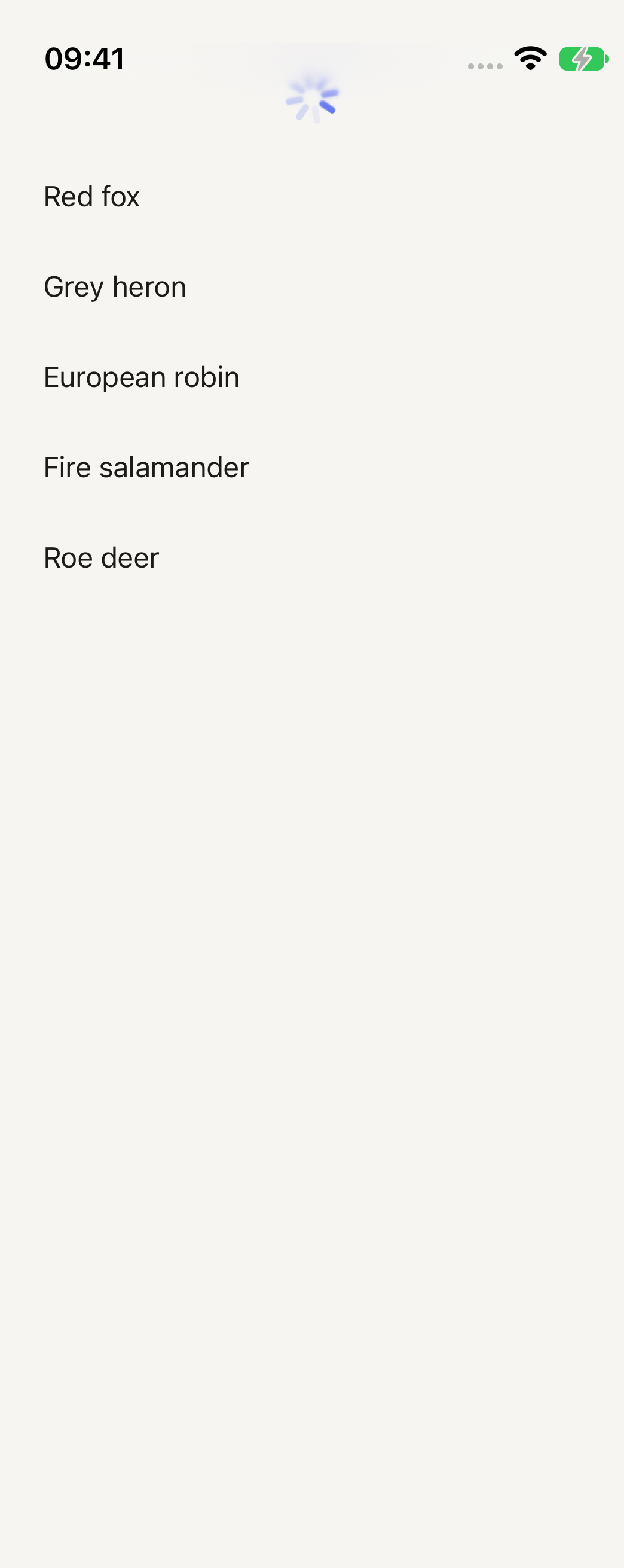
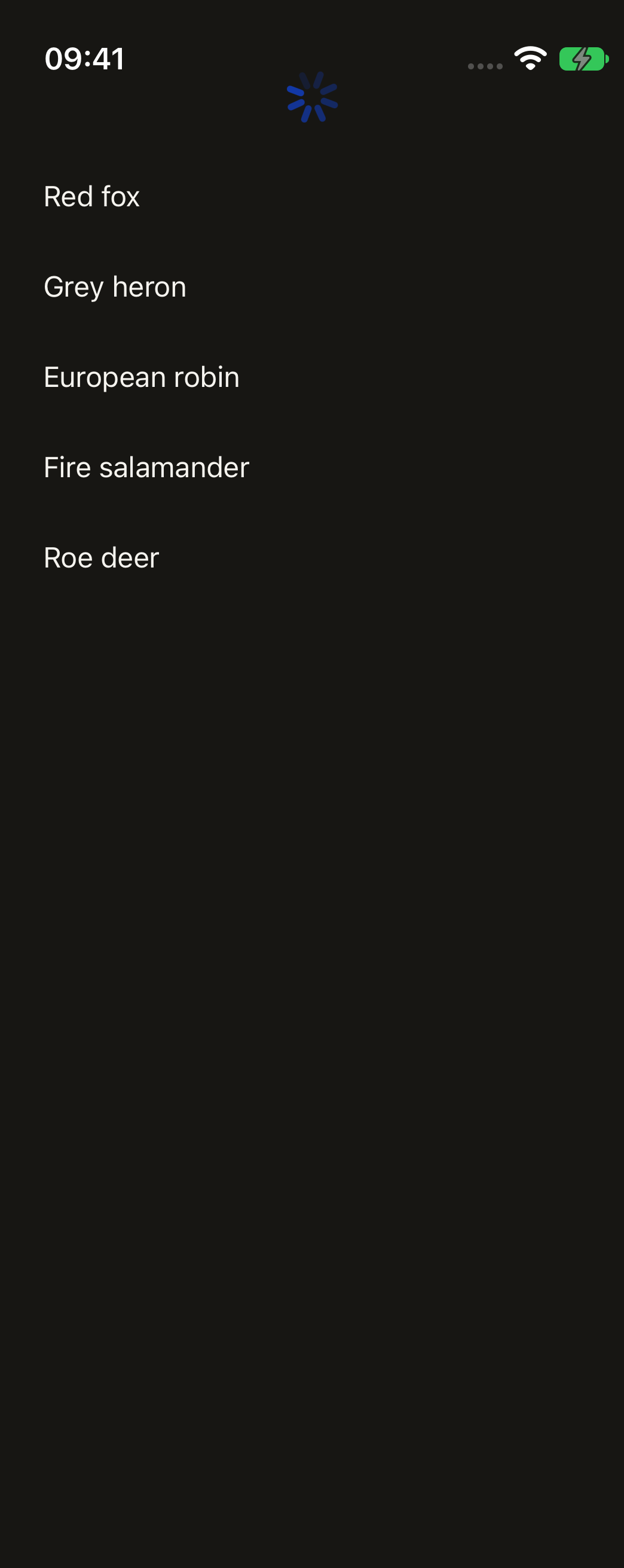
The platform's pull-to-refresh in the theme accent. Pass it as a list's refreshControl.
import { RefreshControl, Text } from "@terratcg/ui";
import { useState } from "react";
import { ScrollView, View } from "react-native";

const PHOTOS = ["Red fox", "Grey heron", "European robin", "Fire salamander", "Roe deer"];

export default function RefreshControlList({ capture }: SceneProps) {
  // The capture shows it mid-refresh.
  const [refreshing, setRefreshing] = useState(capture);
  const refresh = () => {
    setRefreshing(true);
    setTimeout(() => setRefreshing(false), 1200);
  };
  return (
    <ScrollView
      style={{ width: 300, height: 240 }}
      refreshControl={<RefreshControl refreshing={refreshing} onRefresh={refresh} />}
    >
      {PHOTOS.map((name) => (
        <View key={name} style={{ paddingVertical: 14 }}>
          <Text>{name}</Text>
        </View>
      ))}
    </ScrollView>
  );
}
Import
import { RefreshControl } from "@terratcg/ui";Usage
<FlatList
  data={photos}
  renderItem={renderPhoto}
  refreshControl={<RefreshControl refreshing={refreshing} onRefresh={refresh} />}
/>
RefreshControl is React Native's RefreshControl with the theme accent set on it. Set refreshing to true when onRefresh starts the work, and back to false when it ends.
Examples
The hero example above is the only one: the control has no variants.
Props
RefreshControl takes React Native's RefreshControlProps, unchanged. TerraUI only sets tintColor (iOS) and colors (Android) to the theme accent. Every prop you pass wins over those, and reaches the native control.
refreshing(boolean, required): whether the spinner shows.onRefresh(() => void): called when the user pulls past the threshold.progressViewOffset(number): moves the spinner down, for a list under a transparent header.
Accessibility
- Screen readers: the platform's own control, with nothing added by TerraUI.
- Not the only way: pull to refresh is hard for some people to perform. Keep another way to retry, such as the Try again action of an error Notice.
Platform differences
- iOS: the system spinner above the list, tinted with the accent.
- Android: the Material circle that drops from the top edge, drawn in the accent.
- Web: react-native-web draws no control, so the live tab shows the list without pull to refresh. The web is not a supported target.
Rules
- Pass it as a list's
refreshControl, never on its own. - Clear
refreshingwhen the work ends, failures included. - Don't show a second Spinner while the control is refreshing.