Stat
Figures at a glance, in three forms. StatRow is a panel of counters, StatPill a compact resource counter and StatLine one labelled value in a list.
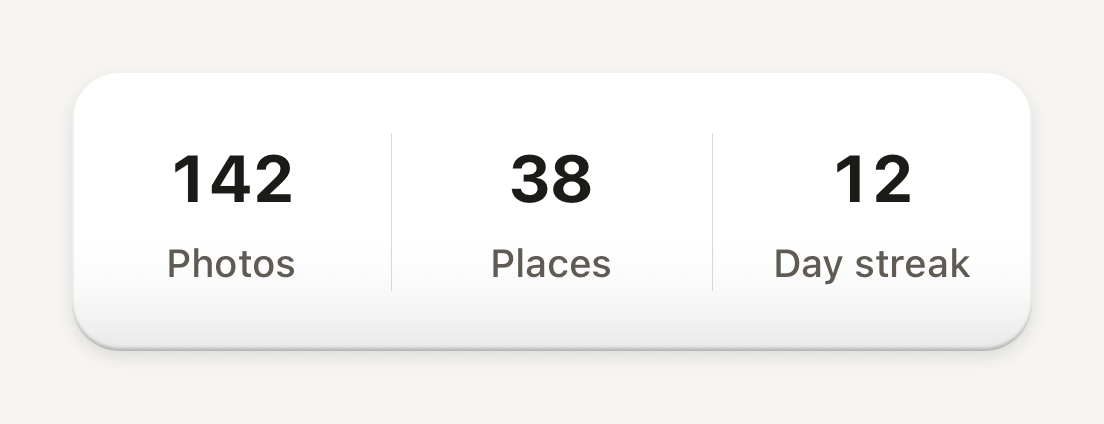
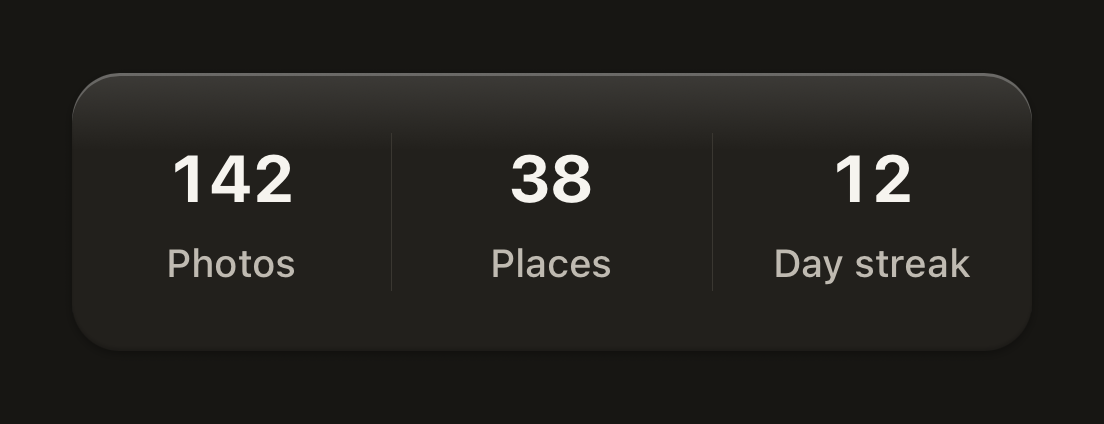
import { Stat, StatLabel, StatRow, StatValue } from "@terratcg/ui";
import { View } from "react-native";

export default function StatRowScene() {
  return (
    <View style={{ width: 320 }}>
      <StatRow>
        <Stat>
          <StatValue>142</StatValue>
          <StatLabel>Photos</StatLabel>
        </Stat>
        <Stat>
          <StatValue>38</StatValue>
          <StatLabel>Places</StatLabel>
        </Stat>
        <Stat>
          <StatValue>12</StatValue>
          <StatLabel>Day streak</StatLabel>
        </Stat>
      </StatRow>
    </View>
  );
}
Import
import {
  Stat,
  StatLabel,
  StatLine,
  StatLineHint,
  StatLineLabel,
  StatLineValue,
  StatPill,
  StatPillIcon,
  StatPillRow,
  StatPillValue,
  StatRow,
  StatValue,
} from "@terratcg/ui";
Usage
<StatRow>
  <Stat>
    <StatValue>142</StatValue>
    <StatLabel>Photos</StatLabel>
  </Stat>
  <Stat>
    <StatValue>38</StatValue>
    <StatLabel>Places</StatLabel>
  </Stat>
</StatRow>- StatRow and Stat: the counters of an account or profile page. Each Stat is a StatValue over a StatLabel; the row lays them side by side on one surface, with hairlines between them.
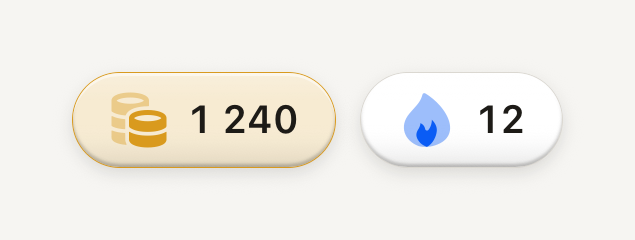
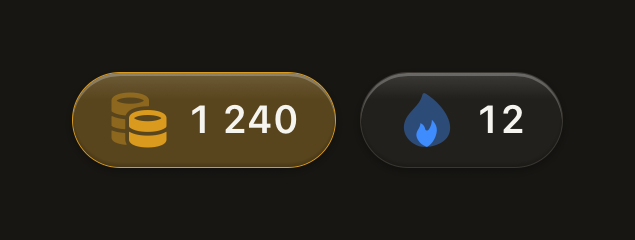
- StatPill: one resource, such as a currency or a streak, as a raised pill with your icon and a tabular value. Line several up in a StatPillRow. Given a
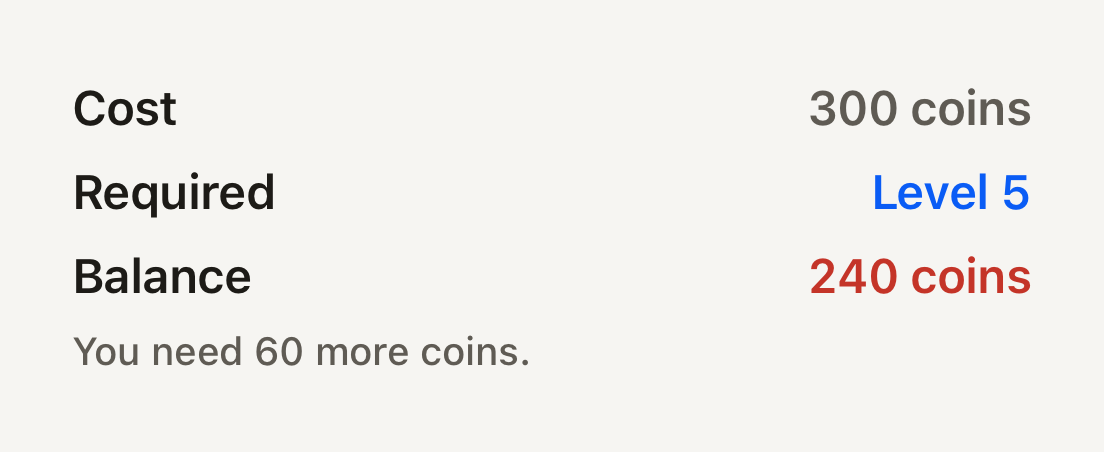
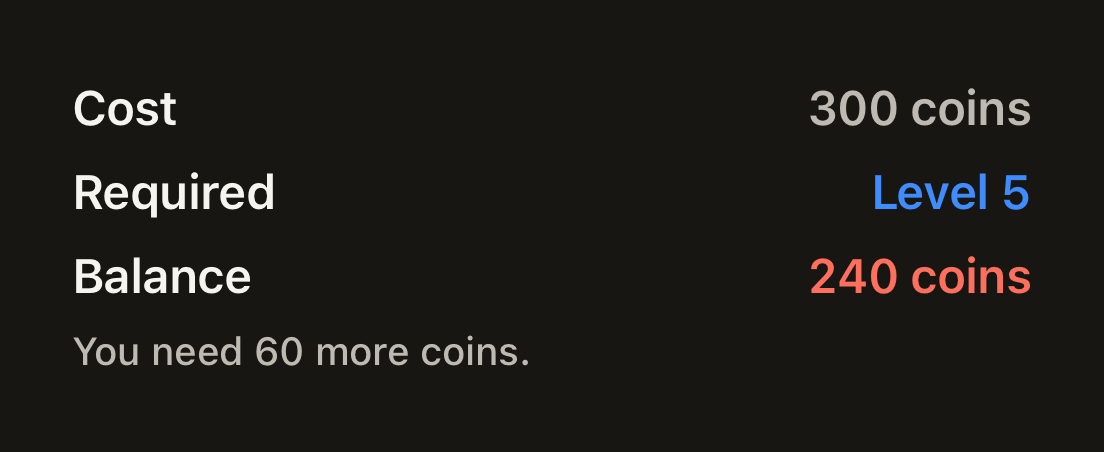
color, the pill is washed in a light tint of that hue (20% in light, 30% in dark) under the shell's gloss, with a hairline of the hue around it; the icon keeps the full hue and the value stays in ink, so the pill says which currency it counts without hiding the icon that says it first. Without acolorit is a quiet surface pill. - StatLine: a label on the left and a value on the right, for a cost, a balance or a requirement. Stack them in a column and add a StatLineHint under a line that needs explaining.
Examples
With a header
header adds a full-width first row on the same surface, divided from the Stats by a hairline.
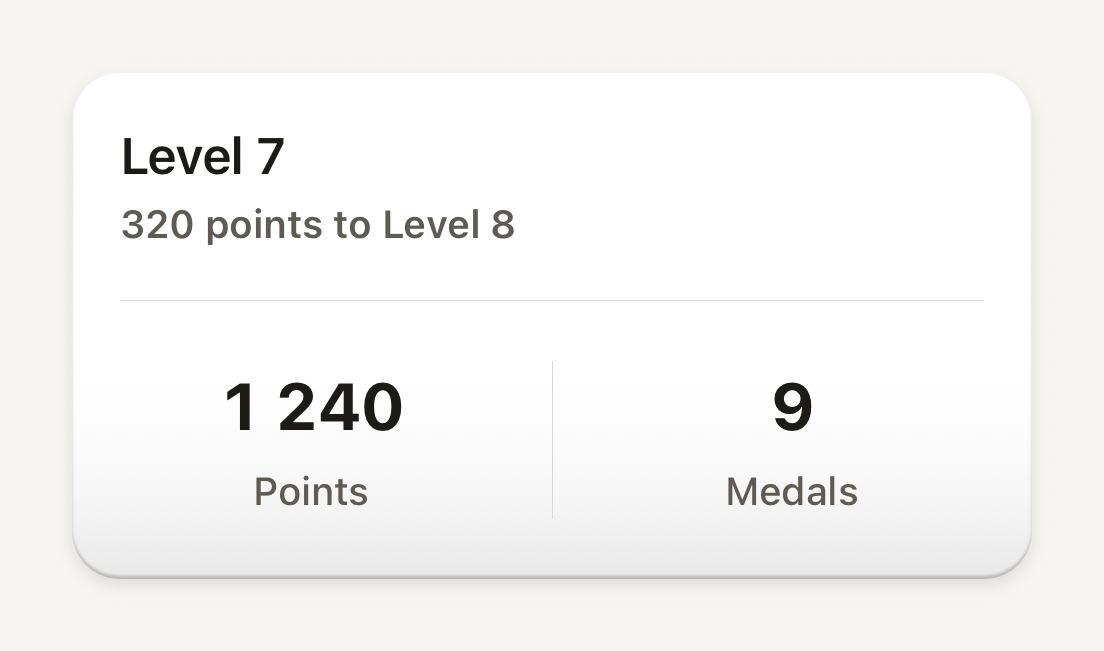
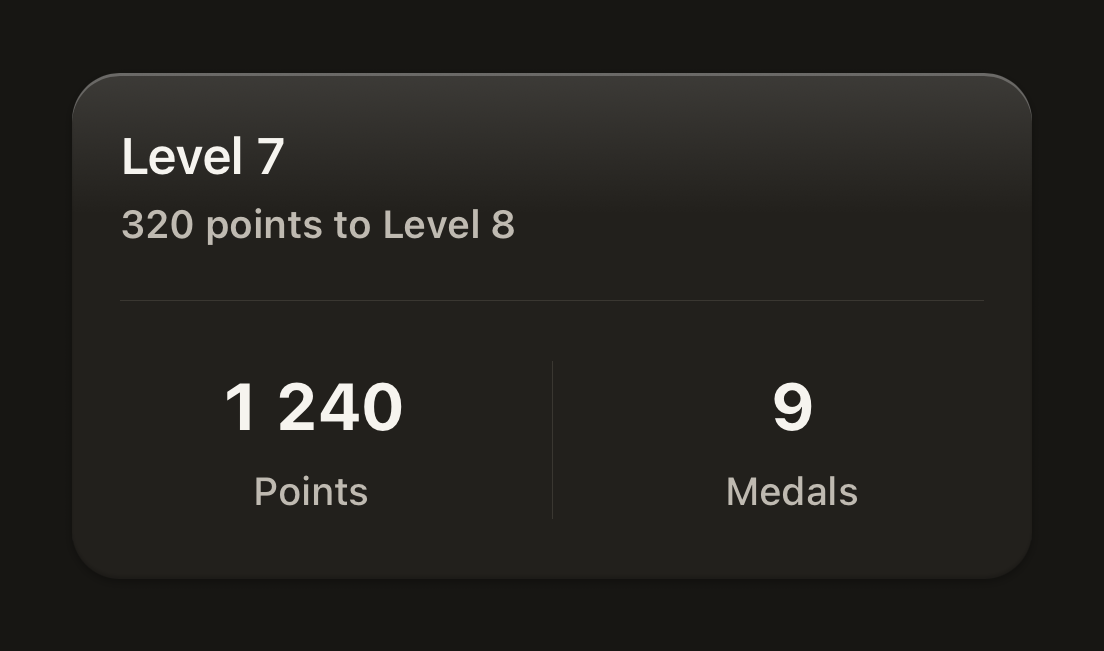
import { Stat, StatLabel, StatRow, StatValue, Text } from "@terratcg/ui";
import { View } from "react-native";

export default function StatRowWithHeader() {
  return (
    <View style={{ width: 320 }}>
      <StatRow
        header={
          <View style={{ gap: 2 }}>
            <Text variant="title">Level 7</Text>
            <Text variant="label" tone="secondary">
              320 points to Level 8
            </Text>
          </View>
        }
      >
        <Stat>
          <StatValue>1 240</StatValue>
          <StatLabel>Points</StatLabel>
        </Stat>
        <Stat>
          <StatValue>9</StatValue>
          <StatLabel>Medals</StatLabel>
        </Stat>
      </StatRow>
    </View>
  );
}
Stat pills
Compact resource counters on raised plastic: a currency colour washes the pill, without one it stays a quiet surface.
import Coins01Icon from "@hugeicons-pro/core-bulk-rounded/Coins01Icon";
import FireIcon from "@hugeicons-pro/core-bulk-rounded/FireIcon";
import { HugeiconsIcon } from "@hugeicons/react-native";
import { StatPill, StatPillIcon, StatPillRow, StatPillValue } from "@terratcg/ui";

export default function StatPills() {
  return (
    <StatPillRow>
      <StatPill color="#D99A1E" accessibilityLabel="1240 coins">
        <StatPillIcon>{({ color, size }) => <HugeiconsIcon icon={Coins01Icon} color={color} size={size} />}</StatPillIcon>
        <StatPillValue>1 240</StatPillValue>
      </StatPill>
      <StatPill accessibilityLabel="12 day streak">
        <StatPillIcon>{({ color, size }) => <HugeiconsIcon icon={FireIcon} color={color} size={size} />}</StatPillIcon>
        <StatPillValue>12</StatPillValue>
      </StatPill>
    </StatPillRow>
  );
}
Stat lines
Label on the left, tabular value on the right: the accent tone marks a met requirement, the danger tone and a hint an unmet one.
import { StatLine, StatLineHint, StatLineLabel, StatLineValue } from "@terratcg/ui";
import { View } from "react-native";

export default function StatLines() {
  return (
    <View style={{ width: 320, gap: 4 }}>
      <StatLine>
        <StatLineLabel>Cost</StatLineLabel>
        <StatLineValue>300 coins</StatLineValue>
      </StatLine>
      <StatLine>
        <StatLineLabel>Required</StatLineLabel>
        <StatLineValue tone="accent">Level 5</StatLineValue>
      </StatLine>
      <StatLine>
        <StatLineLabel>Balance</StatLineLabel>
        <StatLineValue tone="danger">240 coins</StatLineValue>
      </StatLine>
      <StatLineHint>You need 60 more coins.</StatLineHint>
    </View>
  );
}
Props
StatRow
Prop
Type
StatRow also accepts React Native's View props. Stat takes View props only. StatValue, StatLabel, StatLineLabel and StatLineHint take React Native's Text props and Text's tone and weight; StatLineValue and StatPillValue too, with tabular figures always on.
StatPill
Prop
Type
StatPill also accepts React Native's View props. StatPillRow takes View props and wraps its pills.
StatPillIcon
Prop
Type
Accessibility
- Stat: one accessible element, so a screen reader reads the value and its label together, as one stop.
- StatPill: one element with the
textrole, read only through its requiredaccessibilityLabel. Put the number in it: "1240 coins", not "Coins". - StatLine: not grouped. The label and the value are read in turn, then the hint.
- Larger text: a StatLabel wraps to two lines instead of losing its end; a StatValue and a StatPillValue stay on one line.
- Colour: the StatLineValue tones mark a met (
accent) or unmet (danger) requirement, and the hint says it in words. Don't let colour say it alone.
Platform differences
- iOS and Android: the same panels, pills and lines.
scrollable: a StatRow with more Stats than fit scrolls them sideways in a native horizontal ScrollView, without a scroll indicator.- Web: Stat renders through react-native-web for these docs, but the web is not a supported target.
Rules
- Keep a StatRow to a few Stats, three or four. For more, set
scrollable;scrollableandheaderdon't combine. - Give every StatPill an
accessibilityLabelthat carries its value. - TerraUI ships no icons: StatPillIcon sizes and colours the one you pass, through a render function.
- Format numbers in the user's locale before you pass them in: these parts print what you give them.